
CRM for Consultants
Your next client comes from someone you already know. Nimble remembers every one. AI handles the follow-up.
 Jump to date:

 Sam Porter


 3
Re: Proposal for operations review
 Five planning mistakes to avoid in 2025
5
Re: Phase 2 engagement
Sam Porter
2
Re: Quarterly review
1
Re: Retainer renewal for 2027
TOP-RATED BY THE PEOPLE WHO USE IT EVERY DAY




Why consultants and professional services firms switch to Nimble
Full client history in one record
Emails and meetings from Microsoft 365 or Google sync to each contact.
Follow-up reminders for clients and referrers
Reminders and AI Sequences keep you in front of the people who send you work.
Every proposal in one pipeline
Pipelines show every opportunity from first call to signed SOW.
How consultants work in Nimble
Every engagement follows the same four steps. Here's what Nimble does at each one.
- Win the engagement
- Understand the client
- Propose and close
- Deliver, renew, get referred
Turn introductions into discovery calls
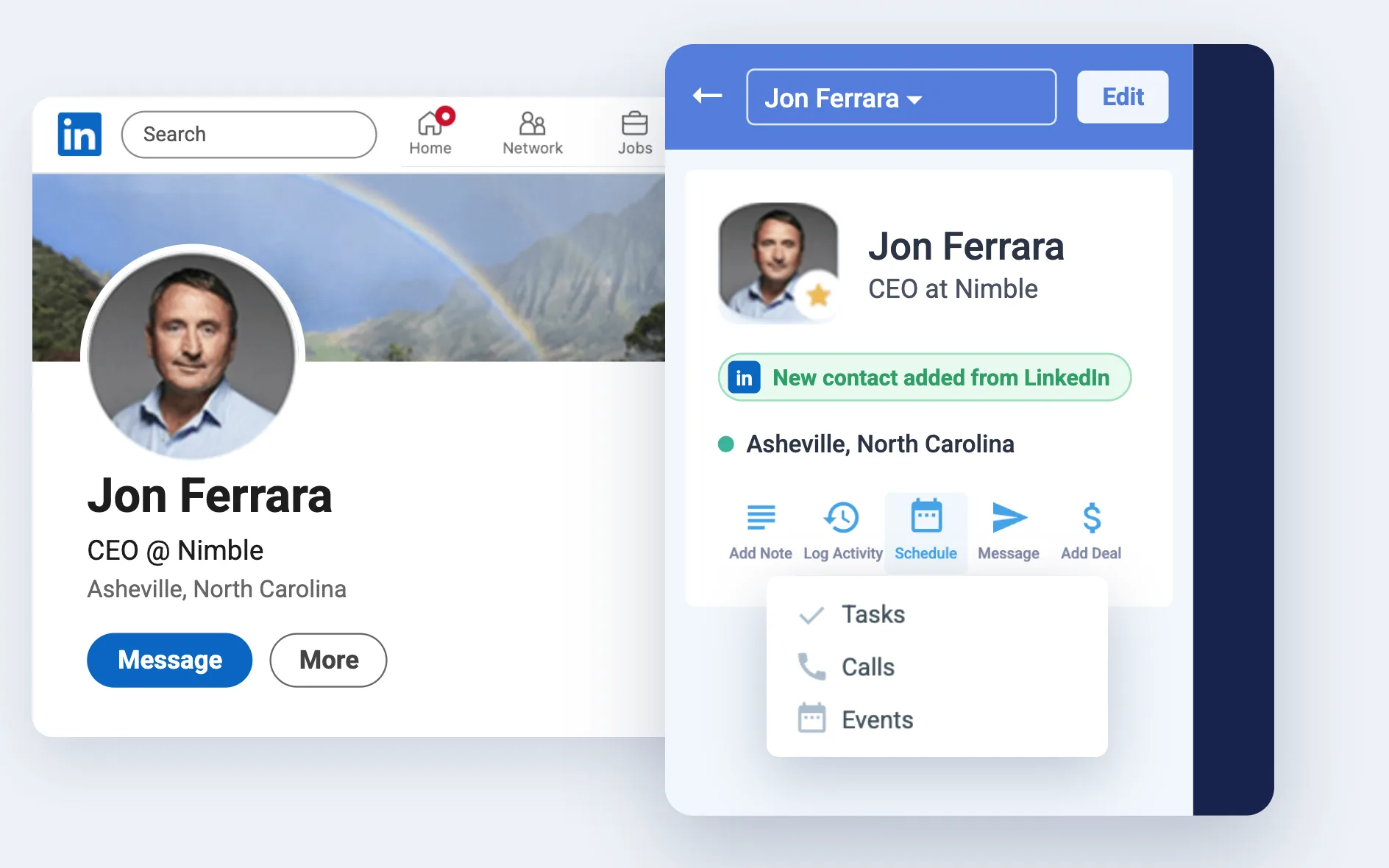
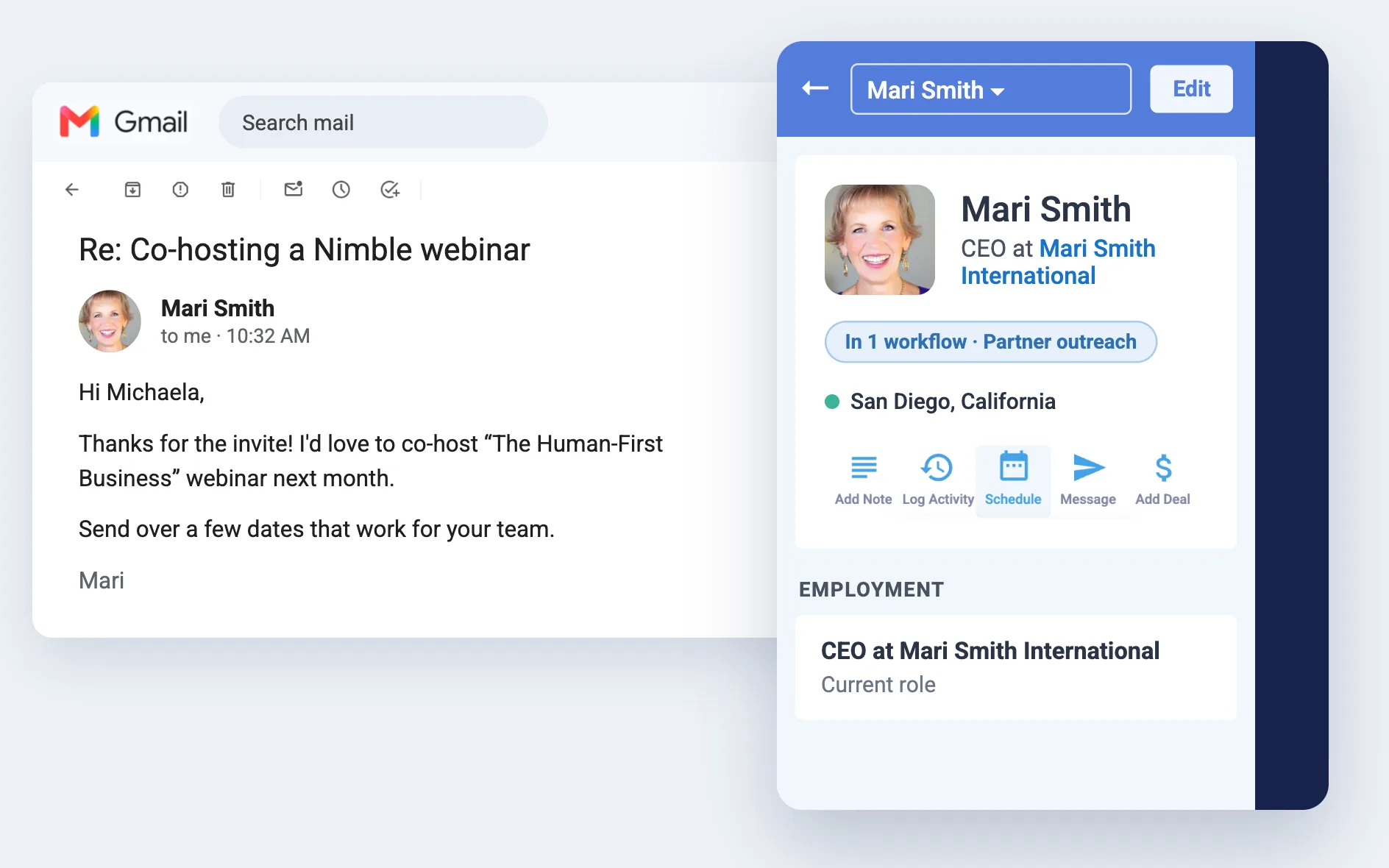
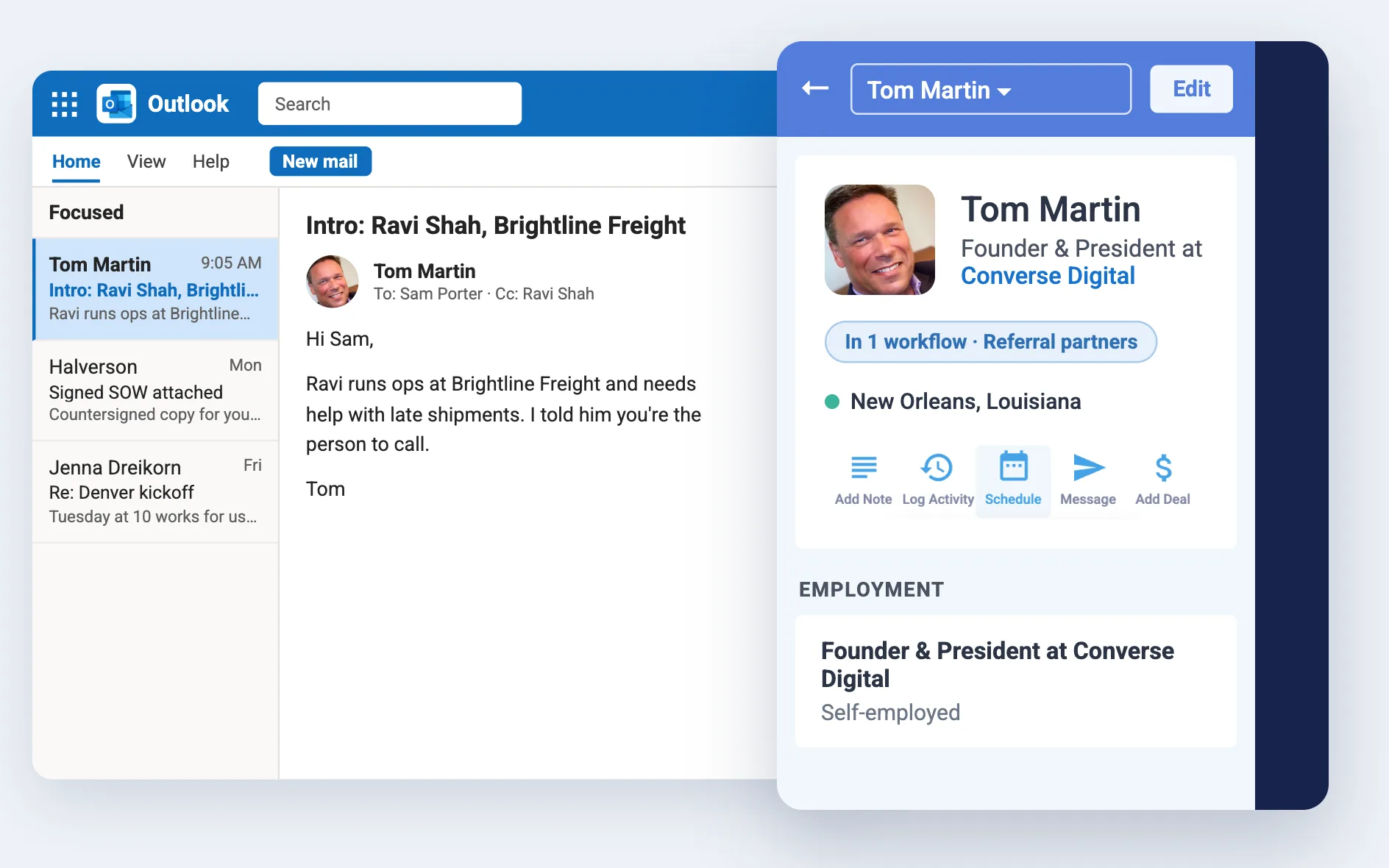
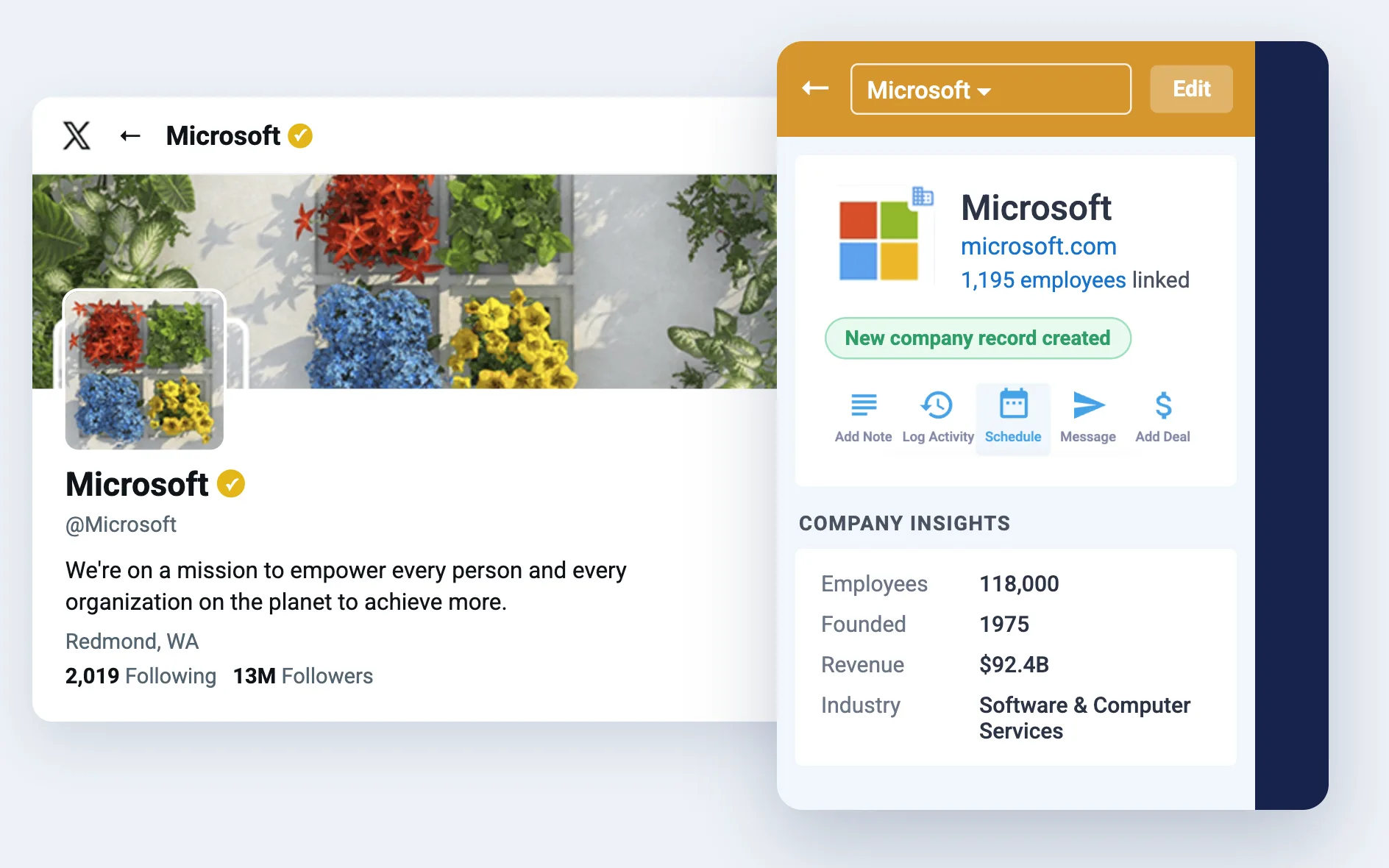
Most new work comes from referrals. Save the new prospect and the person who introduced them from LinkedIn, Gmail or Outlook in one click, so you always know who to thank.
Walk into every discovery call prepared
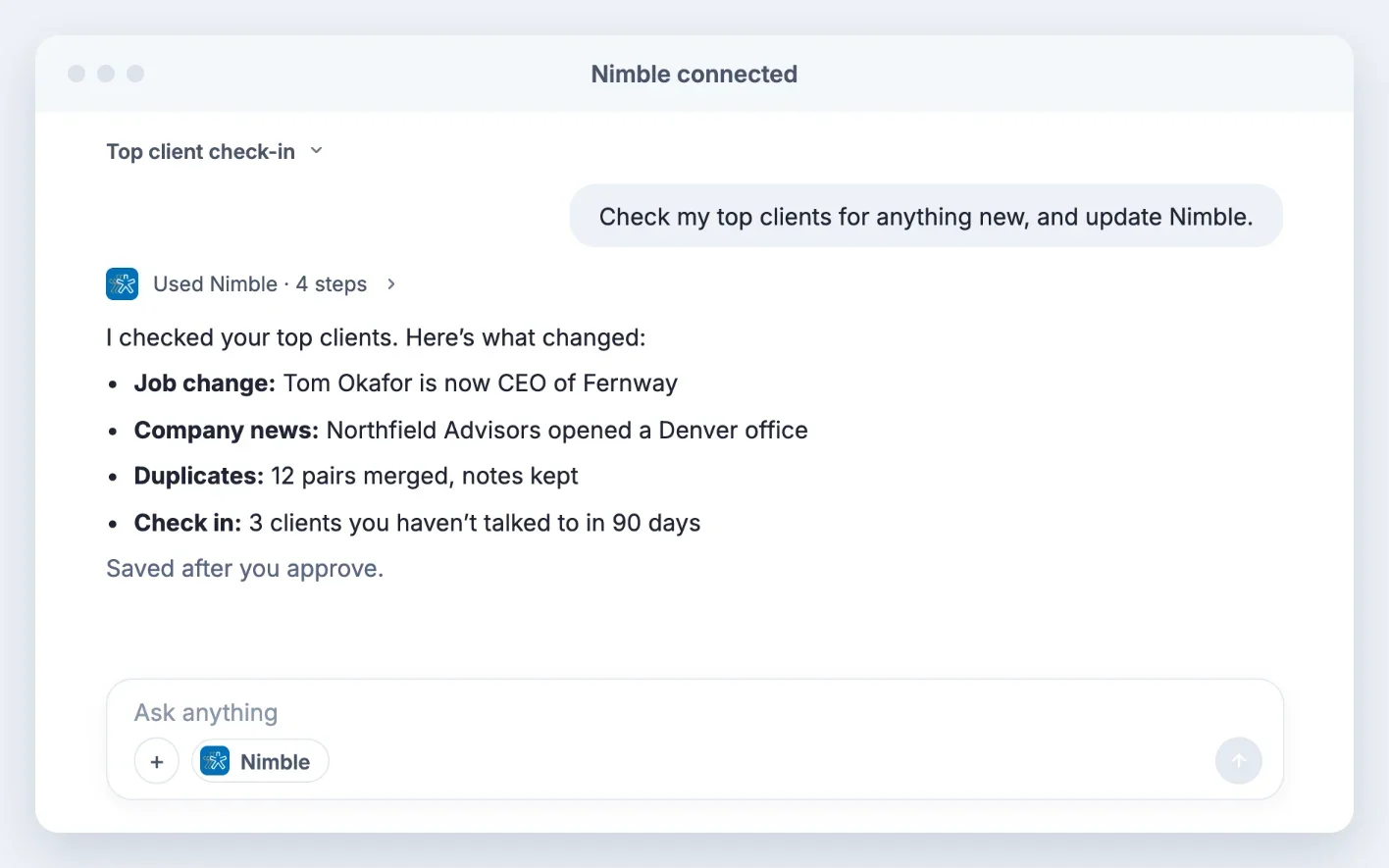
Every email, meeting and note with the client sits in one record. Before the call, ask Claude or ChatGPT “What did Jenna say her Q4 priorities were?” and get the answer from your Nimble history.
Track every proposal from scoping to signed SOW
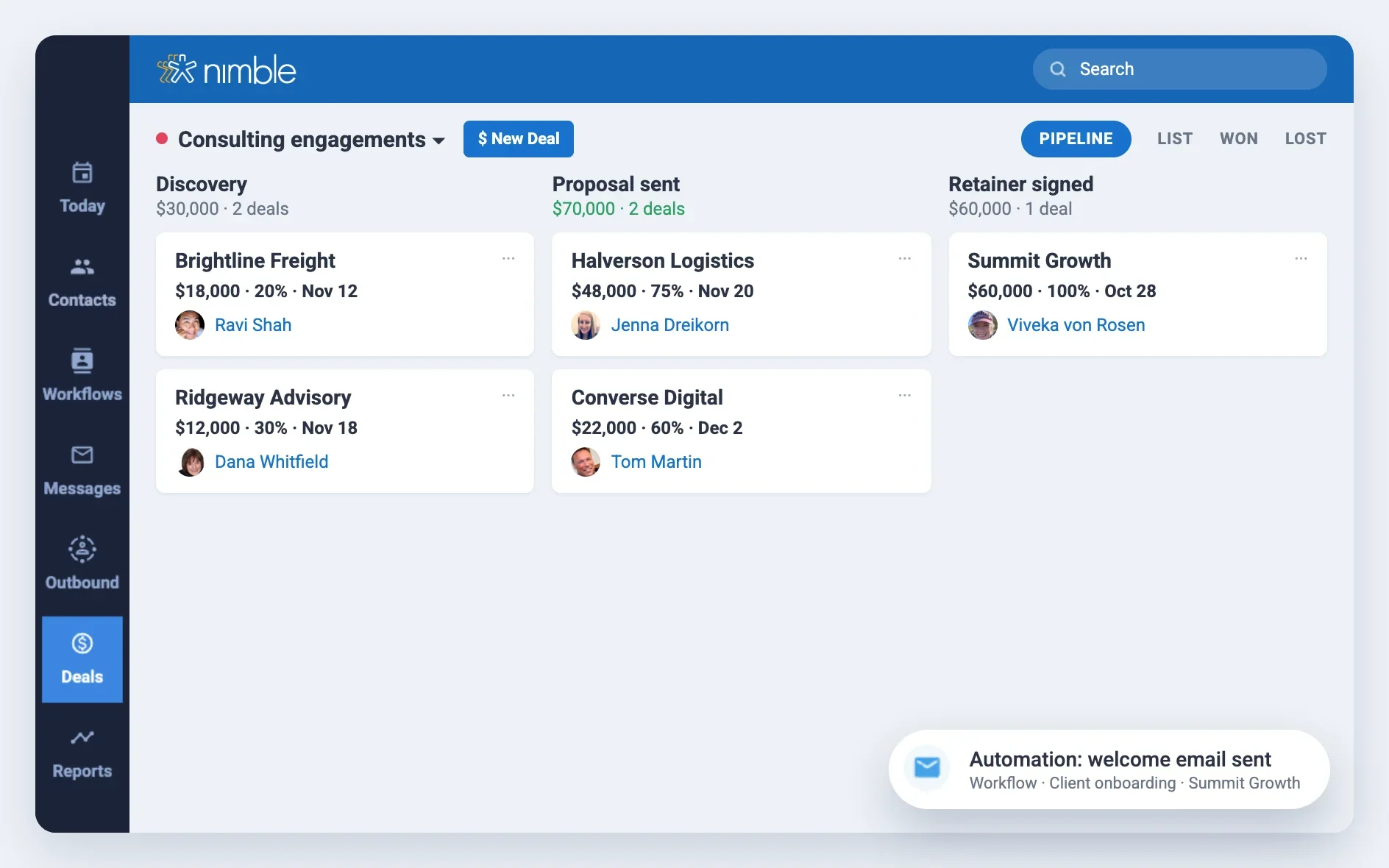
Set up stages that match how you sell, like Discovery, Proposal sent and Retainer signed. When a proposal goes quiet, AI Sequences writes the follow-up for you.
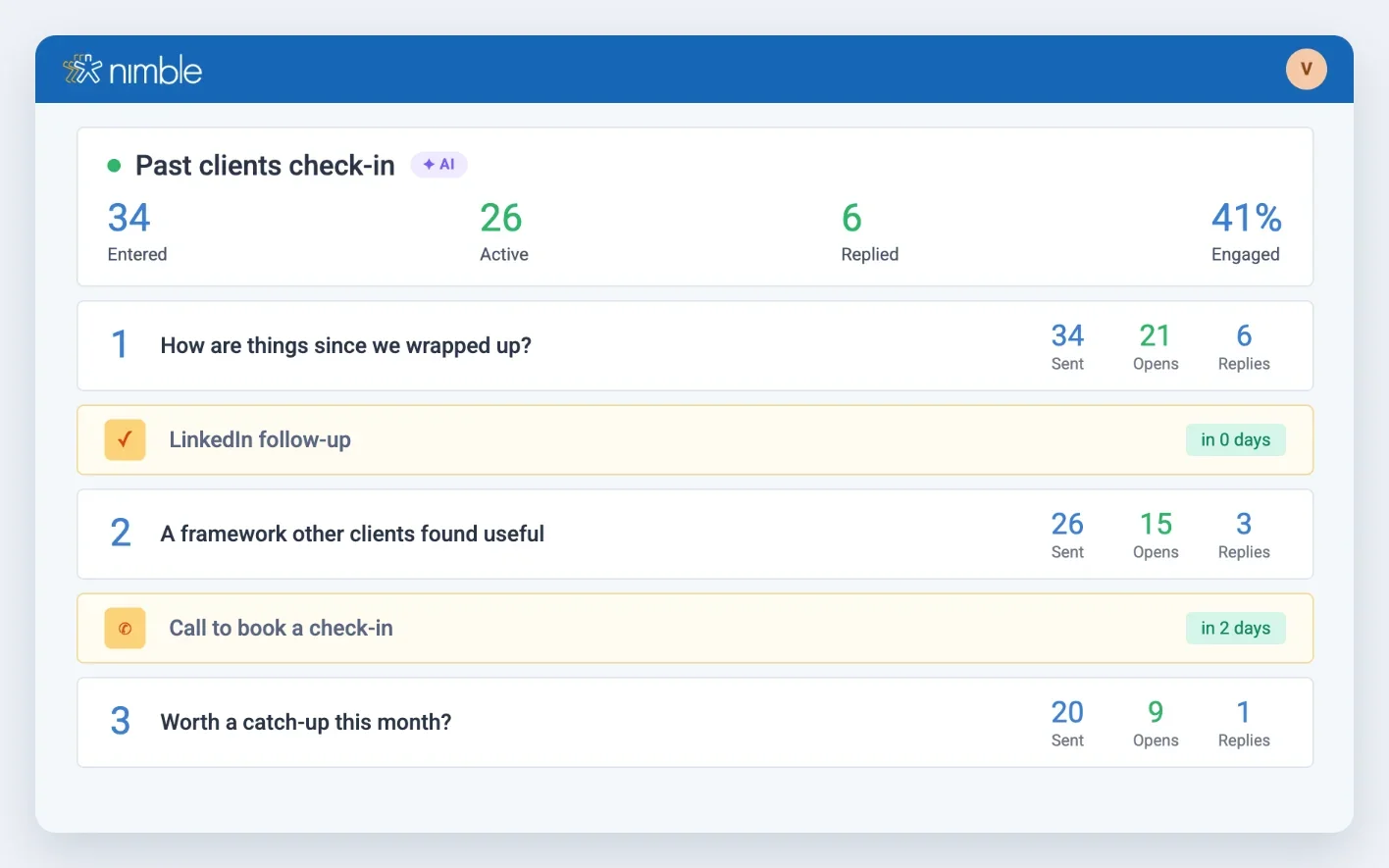
Stay close after the project ends
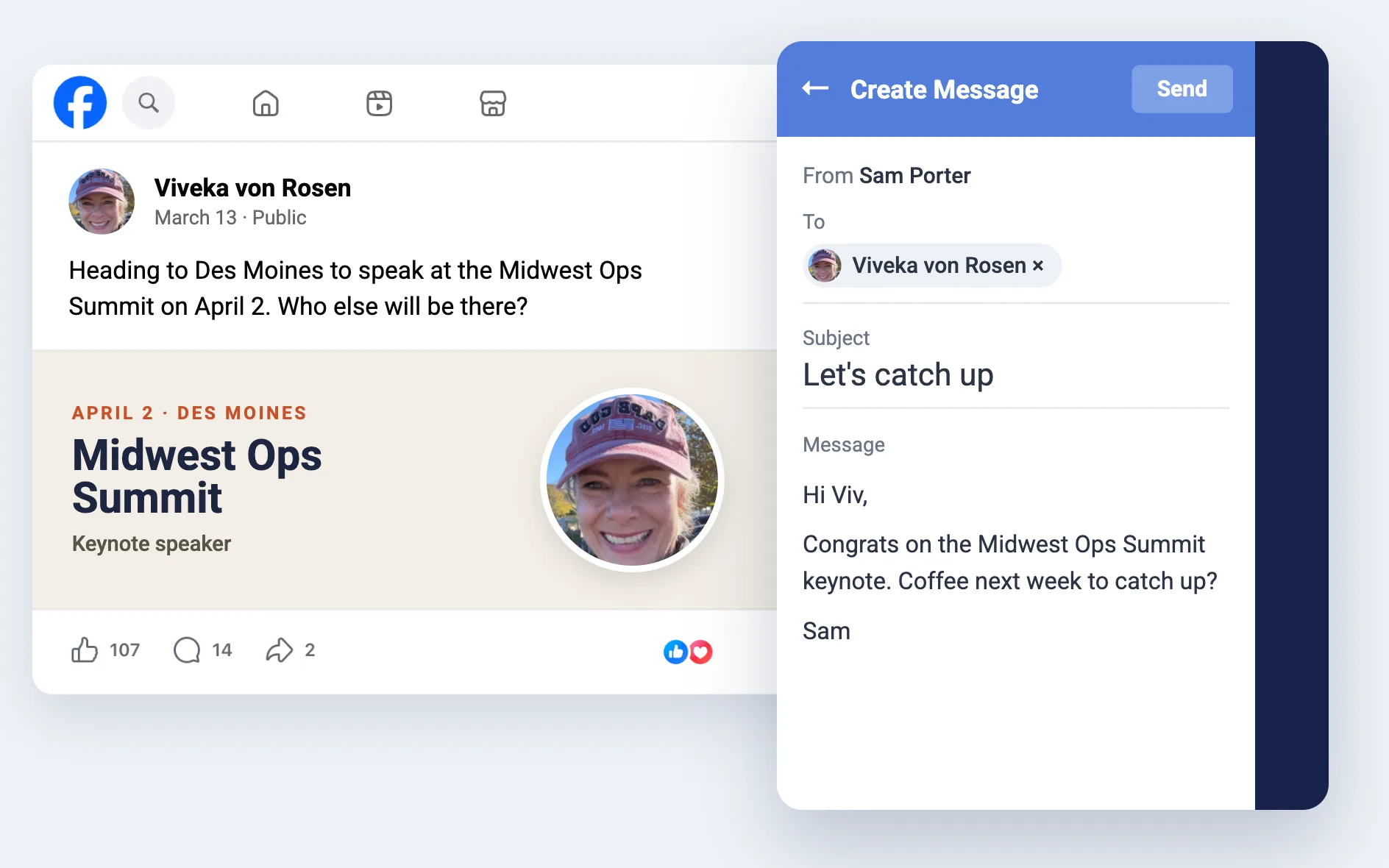
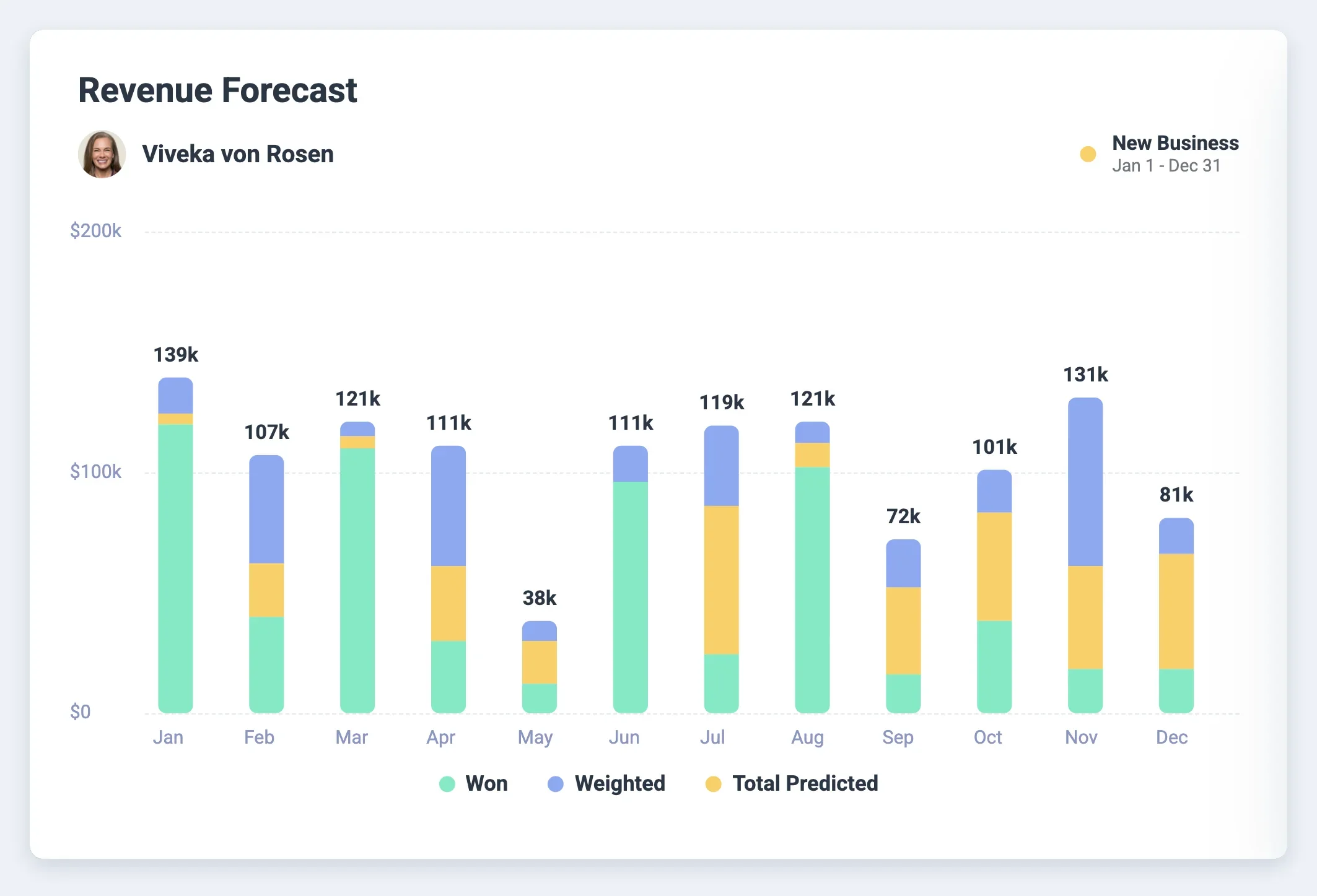
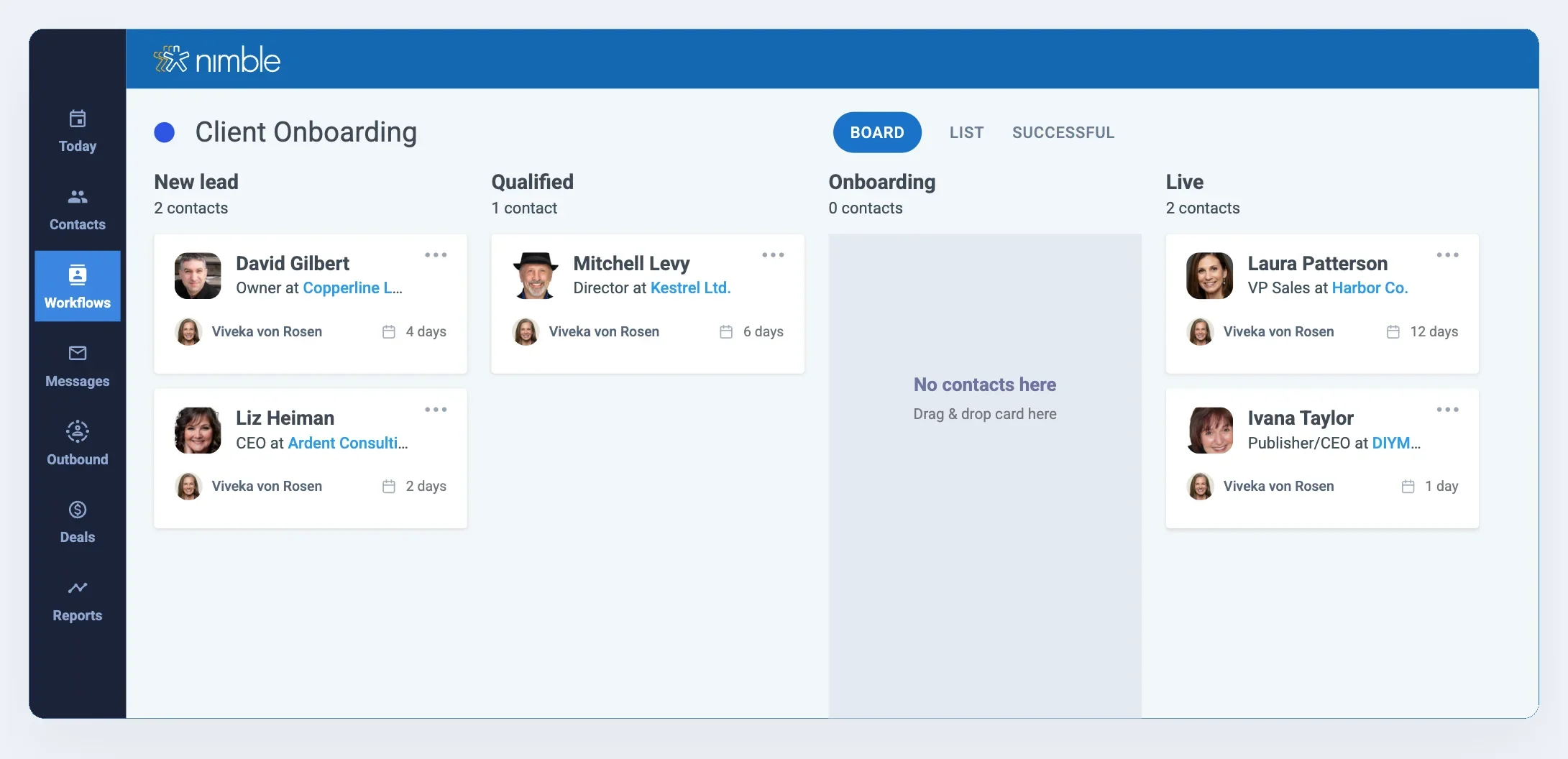
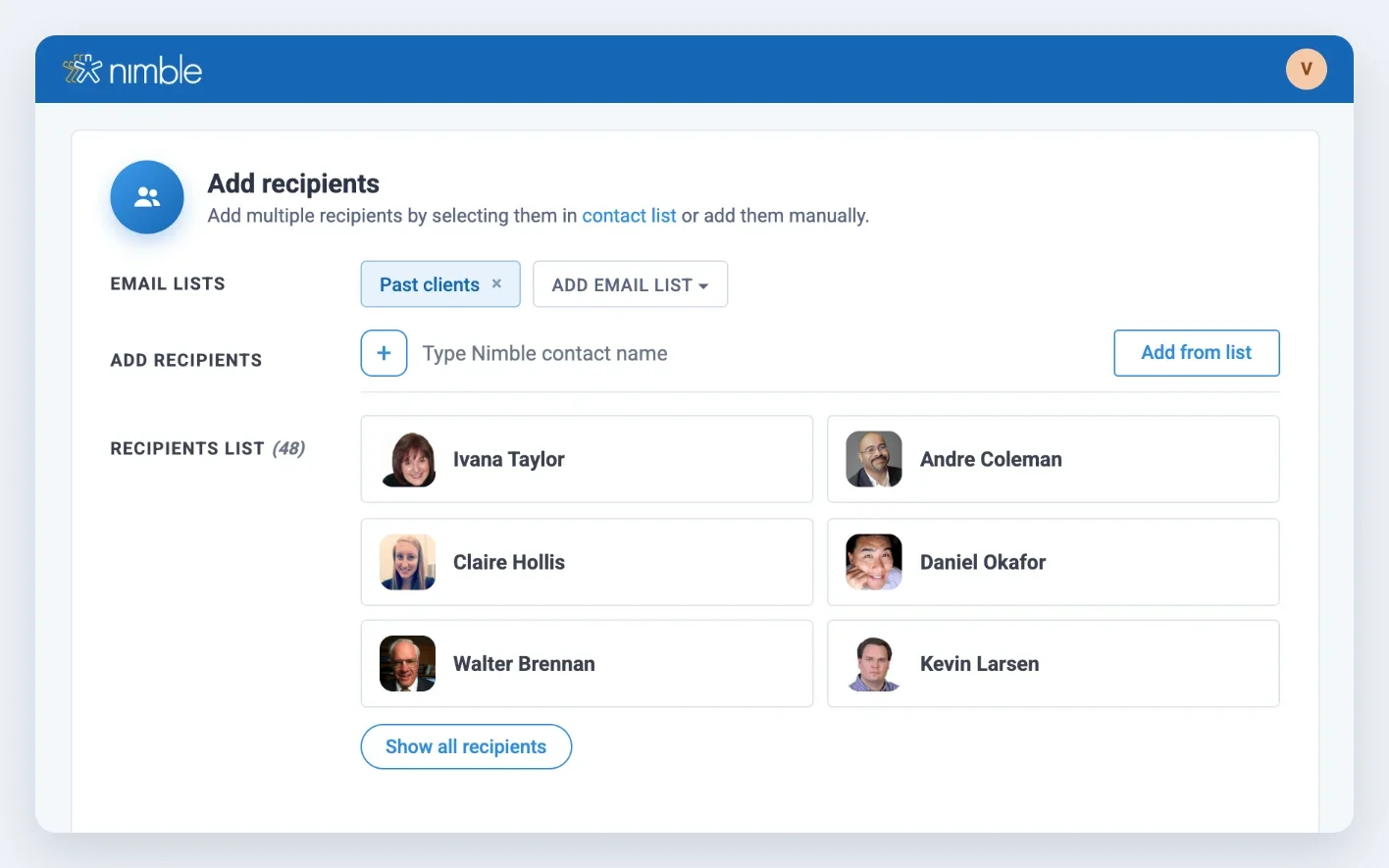
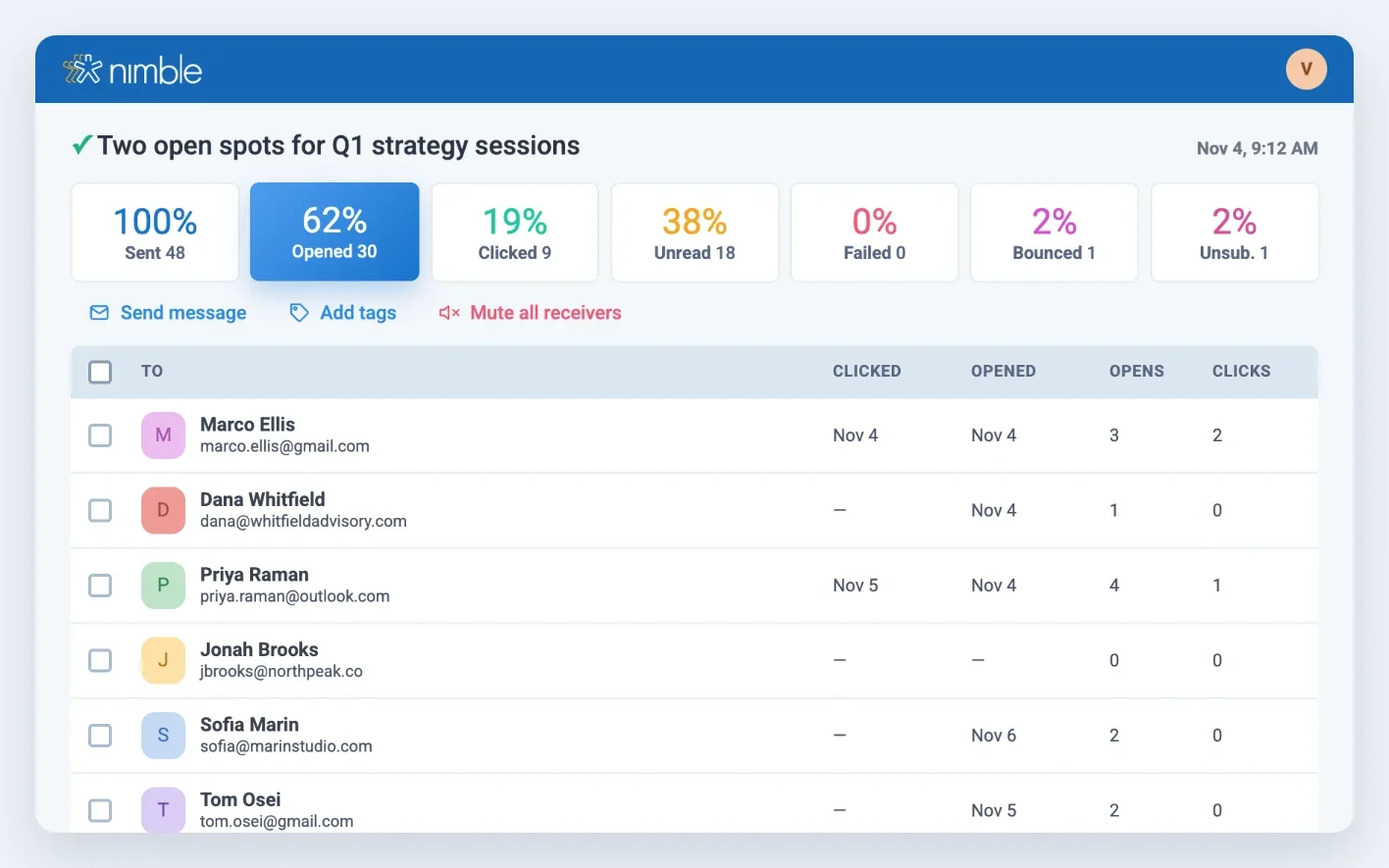
Workflows run client onboarding. Tracked group messages to past clients and partners keep you top of mind, so you get the call when the next project or referral comes up.
“It's a relief because I don't have to keep all that information I put in Nimble, in my head.”

Nimble vs. HubSpot vs. Pipedrive for consultants
What it costs to get follow-up automation and multiple pipelines.
Prices per user per month, billed annually, from public pricing pages as of November 2026. Competitor plans change often; check hubspot.com/pricing and pipedrive.com/pricing before publishing.
Try free for 14 days
Immediate access. No credit card needed.Consultant CRM: Frequently asked questions
A CRM for a consulting firm should keep client history, engagements and referrals in one place without a lot of setup or data entry. Nimble builds contact records from your email and calendar, tracks engagements in pipelines, and reminds you to follow up.
A CRM for a consulting business helps you build a repeatable business development process, and spend less time on admin. In Nimble you manage conversations, relationships and follow-ups with potential clients and partners in one place, and workflows handle the repeat steps for you.
Yes. Most solo consultants run their business from email and LinkedIn, and Nimble builds contact records from both. You get customer relationship management without a setup project, starting at $29.90 a month for one user. As you add people, the same account works for a small consulting firm with shared contacts and pipelines.
Yes. IT consultants use pipelines to track scoping calls, proposals and retainers, and workflows to handle onboarding and renewals. Nimble connects to Microsoft 365 and Google Workspace, so client email and meetings are logged without manual entry.
Yes. Nimble connects to Microsoft 365 and Google Workspace and syncs your email, calendar and contacts. It also works inside your inbox, so you can see and update a client record without switching apps.
Yes. You can track opportunities from discovery through close. Create unlimited pipelines, for example one for proposals and one for active engagements, and move each deal through stages you define.
Nimble includes email sequences, unlimited pipelines and workflow automation in one $29.90 plan. HubSpot puts sequences on Sales Hub Professional at $90 per user per month plus a $1,500 onboarding fee, and Pipedrive starts automation on its $39 Growth plan.
Nimble costs $29.90 per user per month, billed annually. The single plan includes AI Sequences, unlimited pipelines, workflow automation, Prospector and Nimble MCP.
Yes. The free trial lasts 14 days, needs no credit card, and lets you try Nimble with up to 5 licenses.
Try Nimble free for 14 days
From $29.90 a seat. Immediate access. No credit card needed.